A Practical Way to Download Video from Link
StreamMako helps you download video from link when the media is publicly available on a supported website. It gives you one clear place to paste a URL and review the video, audio, or image options returned by the source. You do not need to install desktop software or create a StreamMako account for a supported public link. The tool works in a modern browser, so you can begin on a laptop, desktop computer, tablet, or phone without learning a complicated workflow.
The goal is simple: reduce the steps between finding a public video and seeing the media choices that are available for it. StreamMako does not host the files shown in the results, and it cannot make private, deleted, subscriber-only, or protected content available. Results depend on the source website, the exact URL, and the formats exposed at the time of the request. Always respect copyright, privacy, platform terms, and the rights of the person who created or published the media.
How to Download Video from Link
The process takes three straightforward steps. Start with the specific public post or media page rather than a search result, profile page, or private share screen. A direct page URL gives the service the best chance to identify the correct media and the choices made available by that website.
1. Copy the public video link
Open the supported website and navigate to the public video, clip, image, or audio post you want to use. Copy its complete address from the browser bar or the platform's share menu. Check that the page opens without signing in, because private and restricted pages cannot be processed as public media.
2. Paste the URL into StreamMako
Return to the input field at the top of this page, paste the link, and start the analysis. StreamMako checks the URL and looks for media information exposed by the source. Keep the original page available until the request finishes in case you need to confirm that you copied the right address.
3. Review the available media options
When the source returns usable choices, review the listed format and quality details before opening a result. The options vary by website and post. A high-resolution version, separate audio track, image, or other format appears only when that source makes it available for the public link.
What This Free Video Downloader Can Help With
Public videos from supported websites
Use StreamMako for public posts from the websites listed above. Support is based on the current page structure and may change when a platform updates its player, delivery method, or access rules. If one link fails, verify that it is public and try copying the direct post URL again before assuming the whole website is unavailable.
Video, audio, and image choices
Although people often search for an online video downloader, a public post may contain more than a single video file. Depending on the source, results can include audio, photos, animated media, or several video qualities. StreamMako shows what it receives instead of promising a format the source does not provide.
No StreamMako registration
You can check a supported public URL without creating a StreamMako account. This keeps the basic task focused on the link itself. The source platform may still apply its own location, age, login, or account restrictions, and StreamMako does not remove or bypass those controls.
Browser-based access
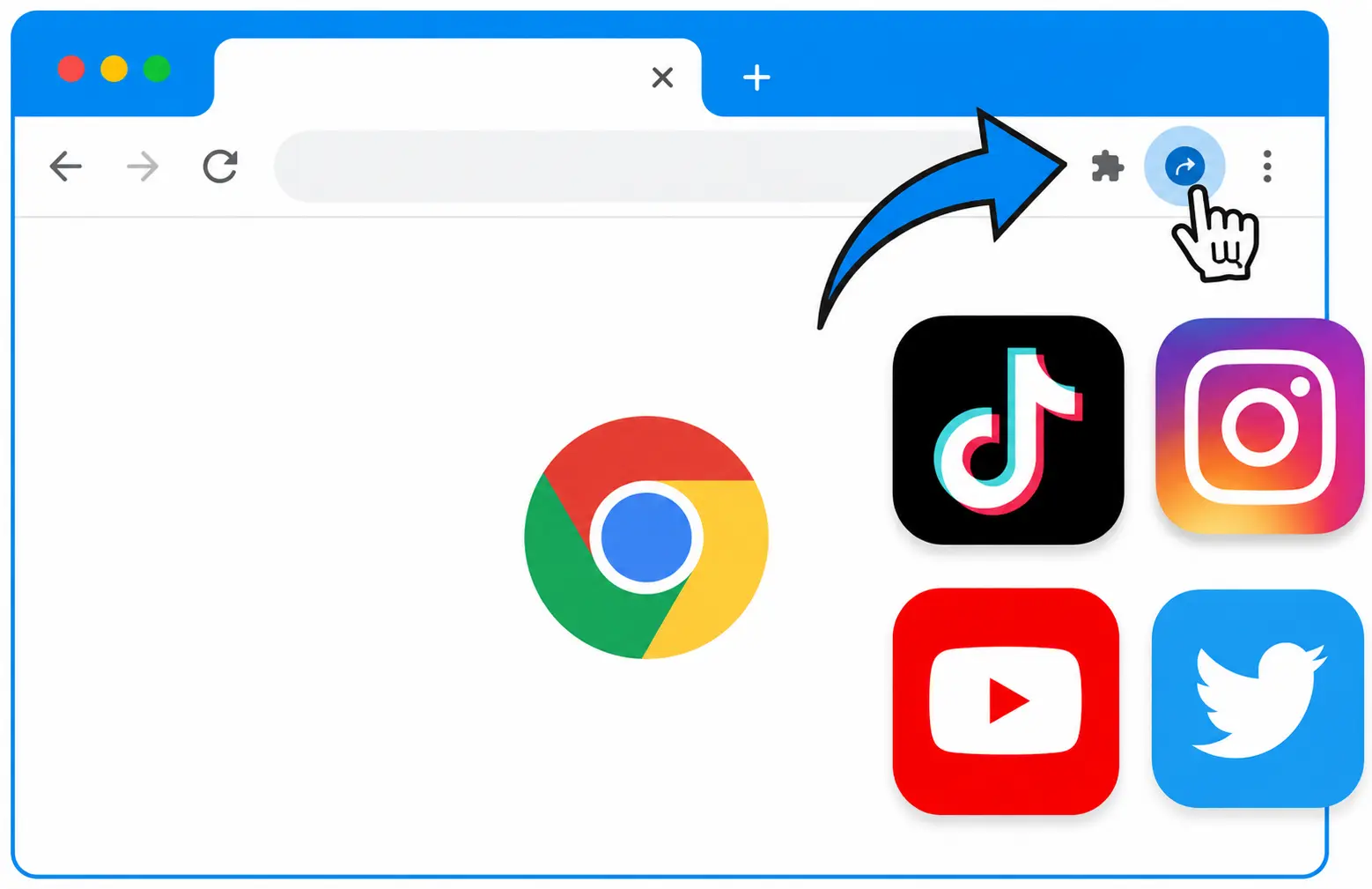
The main downloader runs online in your browser. There is no desktop installer to manage for the basic workflow, and the page is responsive for common screen sizes. For sites where browser restrictions make extraction harder, the optional Chrome extension can provide a more direct route from the page you are viewing.
Download Video from Link: Formats and Quality
The supported-sites grid links to dedicated downloader pages for services such as TikTok, X, Instagram, Vimeo, Pinterest, Twitch, SoundCloud, and other public media platforms. Those pages explain the URL pattern expected for each service and keep platform-specific guidance separate from this general download tool. Use the dedicated page when you need an example link or want to confirm that a website is in the current public support list.
Format and quality are controlled by the source. Some public pages expose several resolutions, while others provide only one video stream or a separate audio option. File labels can also differ between platforms. StreamMako reports the choices it can identify; it does not upscale a low-resolution upload, restore a deleted video, or guarantee MP4 for every link. Reviewing the returned label and file size before saving is the best way to choose the option that fits your device and available storage.
Online Video Downloader and Chrome Extension
The web tool is the quickest starting point for most public links. Paste the URL first and use the result when it contains the format you need. The StreamMako Chrome extension is an optional companion for supported pages where browser context helps identify media. It can reduce copying between tabs and is useful when a normal URL request does not expose enough information to the online service.
Install the extension only from its official Chrome Web Store listing linked above. Review the store page, current permissions, version, and privacy information before adding it to your browser. An extension should not be treated as a way around paywalls, digital rights management, account controls, or private access. If a website does not permit saving a video, use its official offline or download feature instead.
Responsible Use of Downloaded Media
A downloader is a tool, not permission to reuse someone else's work. Save only media you created, content you have permission to use, material offered under a compatible license, or public-domain media. Personal access does not automatically grant the right to repost, edit, sell, distribute, or remove attribution. When a creator provides license terms, follow the stated limits and keep any required credit with the media.
Do not submit private links, confidential pages, paid content, or material obtained through unauthorized access. StreamMako is not affiliated with the supported platforms and does not control their availability. Website rules and local laws vary, so the person using the downloader is responsible for the link, the resulting file, and any later use. If the rights are unclear, ask the publisher or use the source platform's official sharing tools.
Download Video from Link FAQ
Is StreamMako a free online video downloader?
Yes. The main StreamMako web tool lets you analyze supported public media links without a StreamMako account. Availability still depends on the source website and the individual URL. A result is not guaranteed for private, protected, removed, or unsupported content.
Do I need to install software?
No desktop application is required for the standard workflow. Open StreamMako in a modern browser, paste a public link, and review the available choices. The Chrome extension is optional and intended for cases where additional browser context is useful.
Why does a public video link sometimes fail?
The URL may point to a profile instead of a post, the media may have been removed, the publisher may have changed its visibility, or the platform may have updated its delivery system. Copy the direct public post URL again, remove accidental tracking text around it, and confirm that the page opens normally.
Can StreamMako download private or protected videos?
No. StreamMako is intended for supported public links and is not designed to bypass logins, subscriptions, access controls, digital rights management, or geographic restrictions. Use the platform's authorized offline feature when content requires an account or special access.
Where are the downloaded files stored?
The browser normally saves a selected file to its configured downloads folder or asks you to choose a location. StreamMako does not host the source media. Check your browser's download history and storage settings if you cannot find a file after selecting an available option.
Which video quality should I choose?
Choose from the qualities exposed for that public link. Higher resolution can improve clarity but usually creates a larger file. A lower resolution may be more practical for mobile storage or slower connections. StreamMako cannot create quality that was not present in the source upload.